
24-hour free trial
IPTV Free Trial NZ: Try 24 Hours Free
Test live TV, sport and movies on your own TV before you pay. No card, no payment, and your trial login arrives on WhatsApp.
Start your IPTV free trial in one minute
Our IPTV free trial gives you 24 hours to test the service in your own home, on your own TV and your own internet connection. Fill in the short form, send the WhatsApp message it opens, and we reply with your trial login.
- No payment and no card details
- Your login is sent on WhatsApp
- 24 hours from activation
- Firestick, Smart TVs, phones and more
How the IPTV Free Trial Works
Getting a trial takes three steps, and none of them involve payment.
- Fill in the form. Tell us your name, your WhatsApp number and the device you want to watch on. That is all we need.
- Send the WhatsApp message. When you press the button, WhatsApp opens with a message already written, including your reference number. Just press Send.
- Get your login and start watching. We reply with your trial details and simple setup steps for your device. Your 24 hours start when the login is activated, not when you fill in the form.
Trial logins are sent by our team on WhatsApp during support hours: 24 hours a day on weekdays, and 6am to midnight on weekends. A request sent in the middle of a weekend night is answered first thing in the morning.
What You Can Watch During Your IPTV Free Trial
The trial is there so you can judge the service on real viewing, not on screenshots. During your 24 hours you can try:
- Live TV channels, including sport and international channels
- Movies and series on demand
- The TV guide (EPG), so you can see what is on now and next
- HD, Full HD and 4K picture quality where the channel offers it
For a closer look at what is available, see the channels and content page and the features page.
Devices You Can Use for Your IPTV Free Trial
The trial works on the same devices as our paid plans. Choose your device on the form and we will send the setup steps for it. Each guide below walks you through the full setup, which usually takes about five minutes.
-
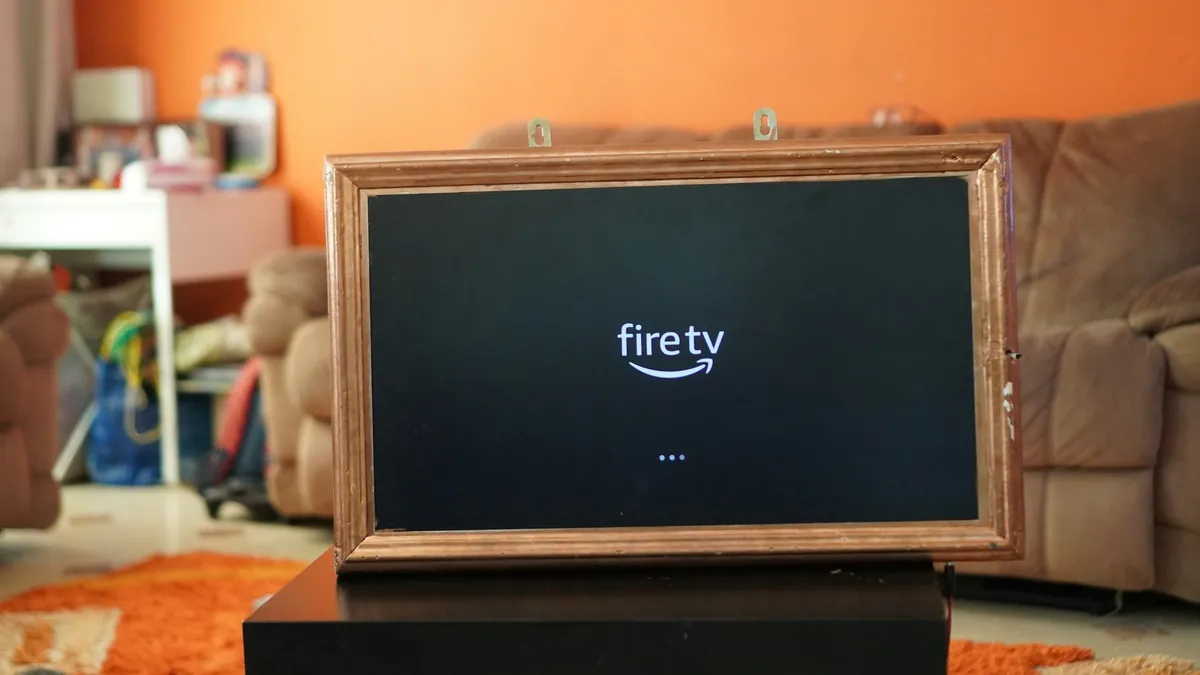 Fire TV Stick setup guide
 -
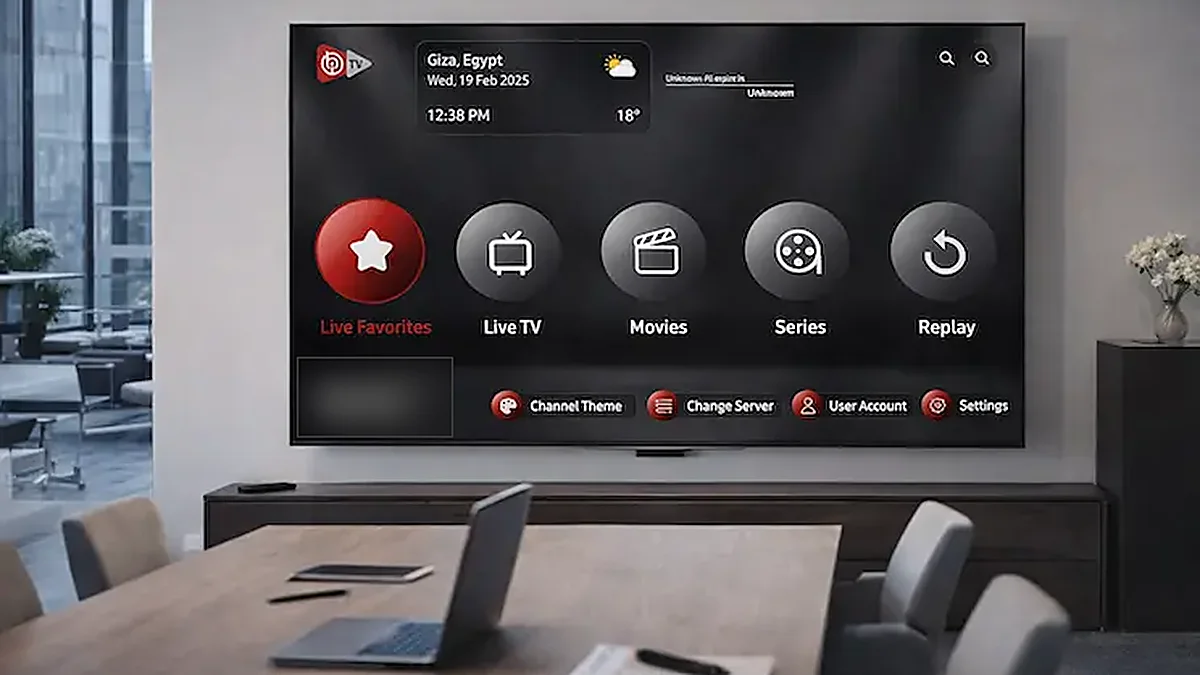 Samsung Smart TV setup guide
 -
 Android TV box setup guide
 -
 Apple TV setup guide
Watching on a phone or tablet? Follow the iPhone and Android setup guide. For every other device, the main setup guide has you covered.
7 Ways to Test Your IPTV Free Trial Properly
Twenty-four hours goes quickly. These seven checks tell you in one evening whether the service suits your home.
- Test on the TV you will actually use. A trial on your phone tells you little about how the picture looks on the big screen in the lounge.
- Watch at peak time. Between 7pm and 10pm is when home internet is busiest in New Zealand. If the picture holds up then, it will hold up at any time.
- Watch some live sport. Fast movement is the hardest test for any stream, so try a live match rather than a studio show.
- Check your usual channels. Make sure the channels you watch most are there and play smoothly.
- Use a cable if you can. Plug your TV or streaming stick into the router with an Ethernet cable, or move it closer to the router. Weak Wi-Fi is the most common cause of buffering.
- Open the TV guide. Check that the EPG loads for the channels you care about.
- Tell us about any problem. If something does not play properly, message us on WhatsApp during the trial. Most issues are a setting we can fix in minutes, and it is far better to find out now than after you have paid.
If you do see buffering, our guide to why IPTV buffers in New Zealand explains the usual causes and fixes.
Check Your Internet Speed Before You Start
IPTV streams over your broadband, so your connection decides the picture quality. As a general guide:
| Picture quality | Recommended speed |
|---|---|
| Standard definition (SD) | 5 Mbps |
| High definition (HD) | 10–15 Mbps |
| 4K | 25 Mbps or more |
You can check your speed in a few seconds at Speedtest by Ookla or Fast.com. Run the test on the device you will watch on, at the time you usually watch. Most New Zealand fibre plans are comfortably fast enough. If yours is slower, our internet speed guide explains what to do.
If the speed test shows plenty of speed but you still see buffering, the problem is usually the Wi-Fi signal in the room where the TV is, not your broadband plan. An Ethernet cable or a mesh Wi-Fi point near the TV often fixes it for good, and the trial is the right time to find that out.
What Happens When Your IPTV Free Trial Ends
Nothing, unless you want it to. The trial simply stops after 24 hours. We never ask for card details for the trial, so there is nothing to cancel and nothing is charged.
If you enjoyed it, choose a plan on the pricing page. Every plan is a one-time payment with no auto-renewal. Plans start at NZ$26.99 for one month, and the 12-month plan works out at about NZ$7.50 a month.
IPTV Free Trial or the 1-Month Plan?
Both let you try the service before a longer commitment. Here is how they compare:
| Free trial | 1-month plan | |
|---|---|---|
| Length | 24 hours | 1 month |
| Price | Free | NZ$26.99 |
| Payment details | None | One-time payment |
| Best for | Checking it works on your TV and internet | Testing across a full month of sport and shows |
Most people start with the free trial, then take the 1-month plan or go straight to 12 months once they are happy with how it plays.
IPTV Free Trial Rules
A few simple rules keep the trial free for everyone:
- One free trial per person. Each WhatsApp number can request one trial.
- The trial lasts 24 hours from when your login is activated.
- Trial details are for your own use and must not be shared or resold.
Already had a trial? Message us on WhatsApp and we will help you choose a plan. The full conditions are in our terms of service.
FAQ
IPTV Free Trial FAQs
Quick answers about the 24-hour trial.
Is the IPTV free trial really free?
How long does the free trial last?
How quickly will I get my trial login?
Which devices can I use for the trial?
Can I get a second free trial?
What happens after my IPTV free trial ends?
Why do you send the trial on WhatsApp?
Ready to test it on your own TV?
24 hours free, no card needed. Your login arrives on WhatsApp.